Receive without retyping
Uber Eats orders arrive in 4Labs PRO with products, modifiers, and notes. Your team can spend that time serving and preparing.

Bring people in
 Uber Eats
Available now!
More orders, one connected team. The Uber Eats integration with 4Labs PRO is ready to receive your orders and support them from arrival to the kitchen handoff.
Great news for your operation
Uber Eats orders arrive in 4Labs PRO with products, modifiers, and notes. Your team can spend that time serving and preparing.
Once accepted, the order enters the kitchen workflow your team already knows. Dine-in and delivery share a connected operation.
Link each location to its Uber Eats store. Review orders and manage the menu in the right branch.
From order to handoff
Uber Eats brings the order. 4Labs PRO helps your team move it forward.
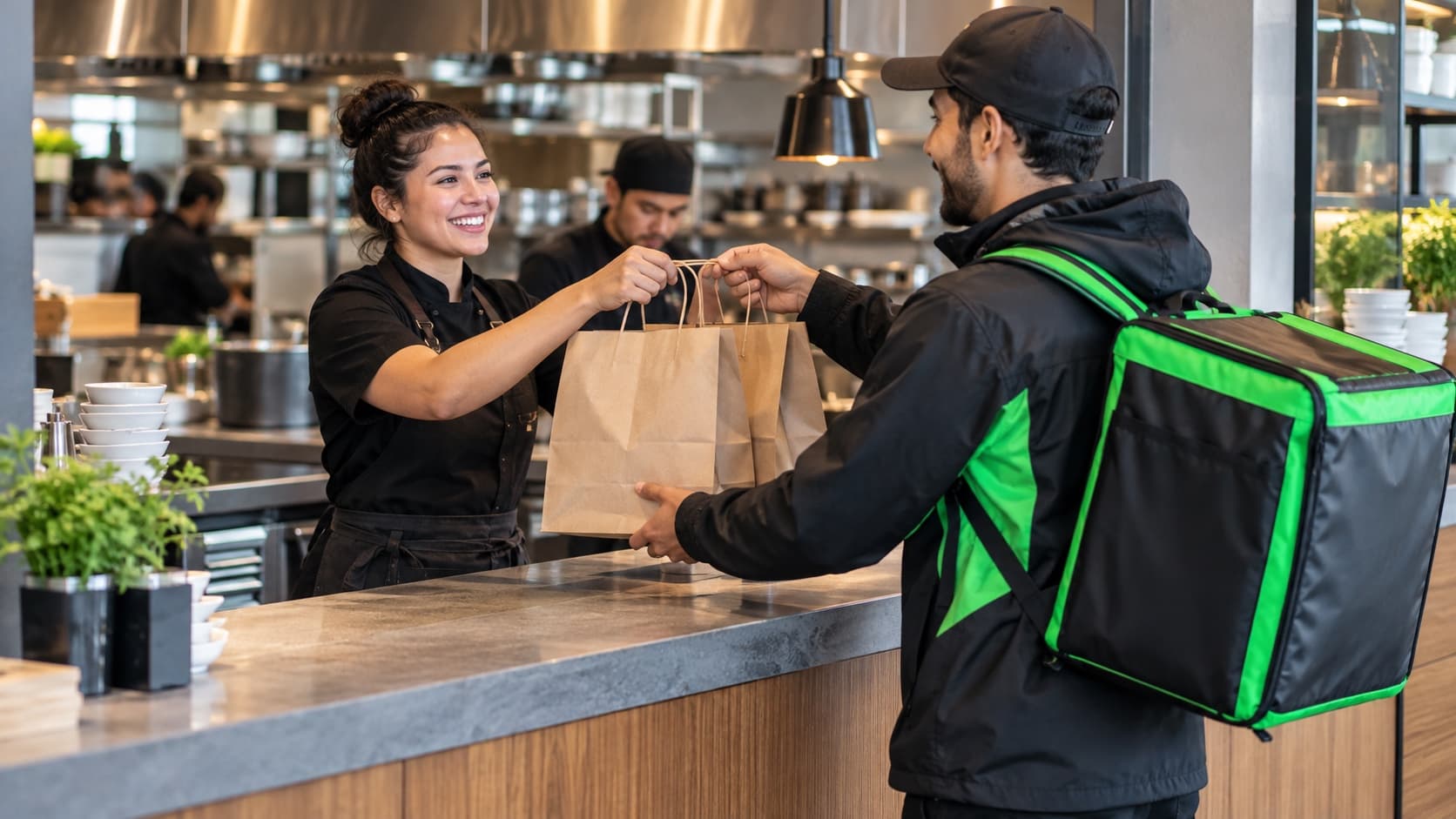
The order appears in the Uber Eats module, ready for your management team to review the details and accept it.
The accepted order goes to the kitchen with the products and instructions your team needs.
Follow preparation and mark the order ready for pickup in the same workflow.
Your menu, connected
Publish your Uber Eats menu from 4Labs PRO with your restaurant’s products and modifiers. Review the preview before sending it and manage availability as the shift needs it.
More visibility for better decisions
Products linked to your catalog participate in the restaurant’s inventory workflow. Your recipes remain part of your control.
Manage the connection, pause the store, and set preparation time for each branch.
Review Uber Eats reports and reconcile payouts with your orders from the administration module.
Yes! Uber Eats is now available in 4Labs PRO. Our team helps you connect your restaurant’s store, review the menu, and prepare each branch’s order workflow.
Yes. The integration connects your Uber Eats store to the corresponding 4Labs PRO branch. If you don’t have a store yet, we help coordinate the steps to get started.
Authorized managers receive and manage orders in the Uber Eats module. Accepted orders enter the kitchen workflow for preparation.
Yes. Each branch connects to its own Uber Eats store, keeping orders, menus, and operations organized by location.
The integration connects your operation with Uber Eats. Order commissions and commercial terms remain those agreed with Uber Eats. We explain the scope of 4Labs PRO in your proposal.
Tell us how your restaurant works. We’ll show you the integration and help you get started.