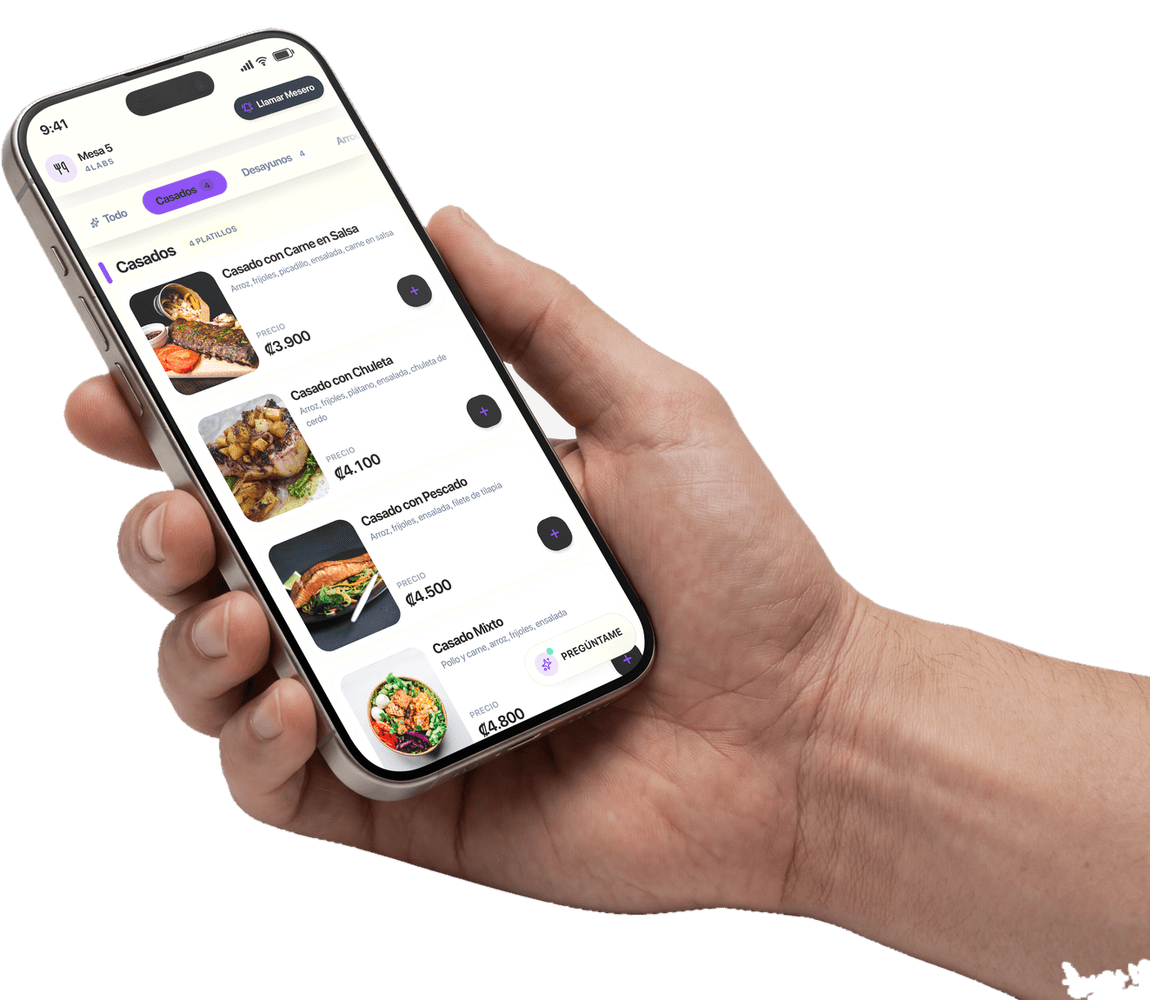
A QR digital menu for your restaurant
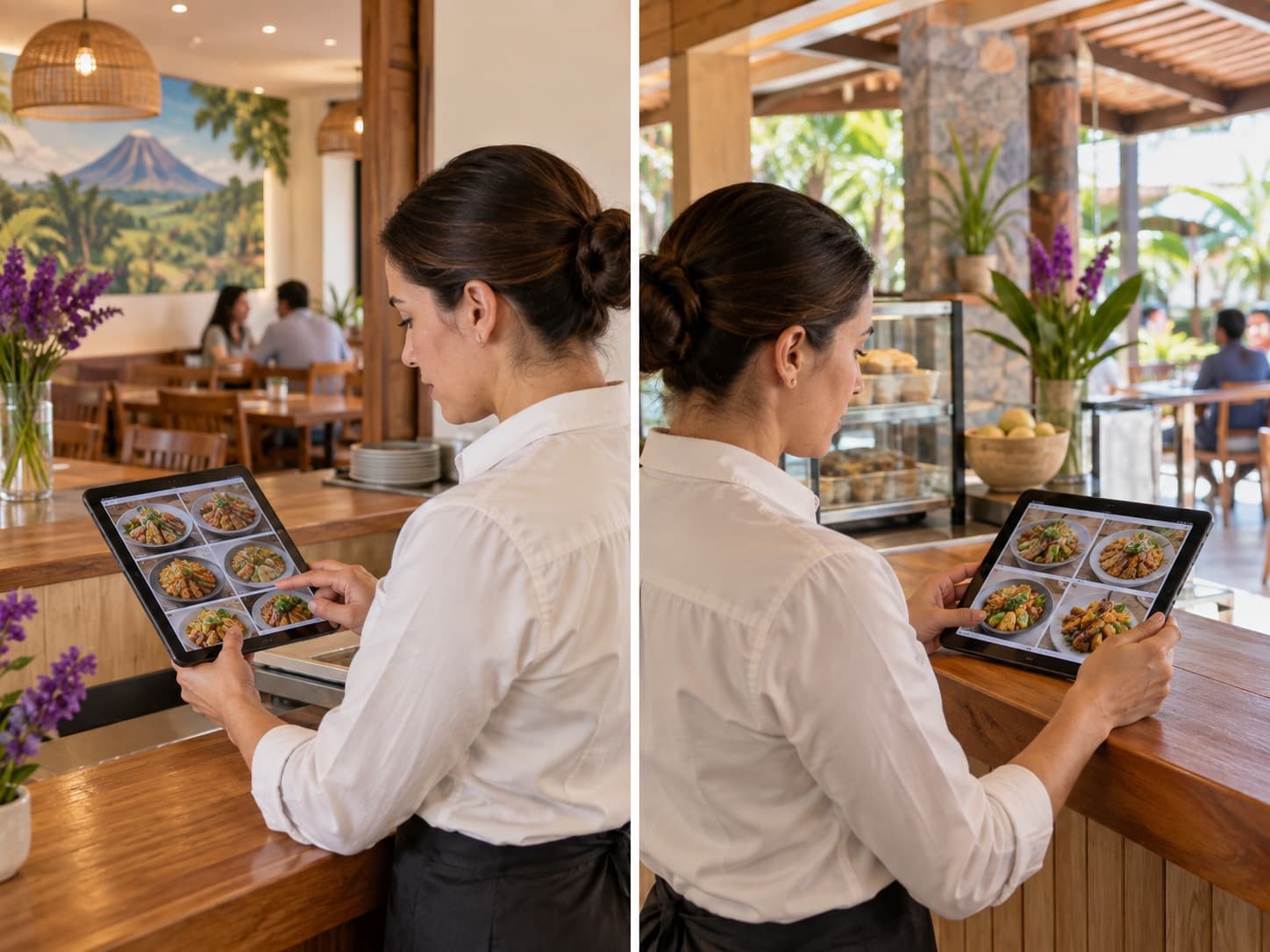
The 4Labs PRO digital menu uses the same catalog as your point of sale. Maintain photos, prices, extras and sold-out items in one place, for a single restaurant or multiple branches in Costa Rica.
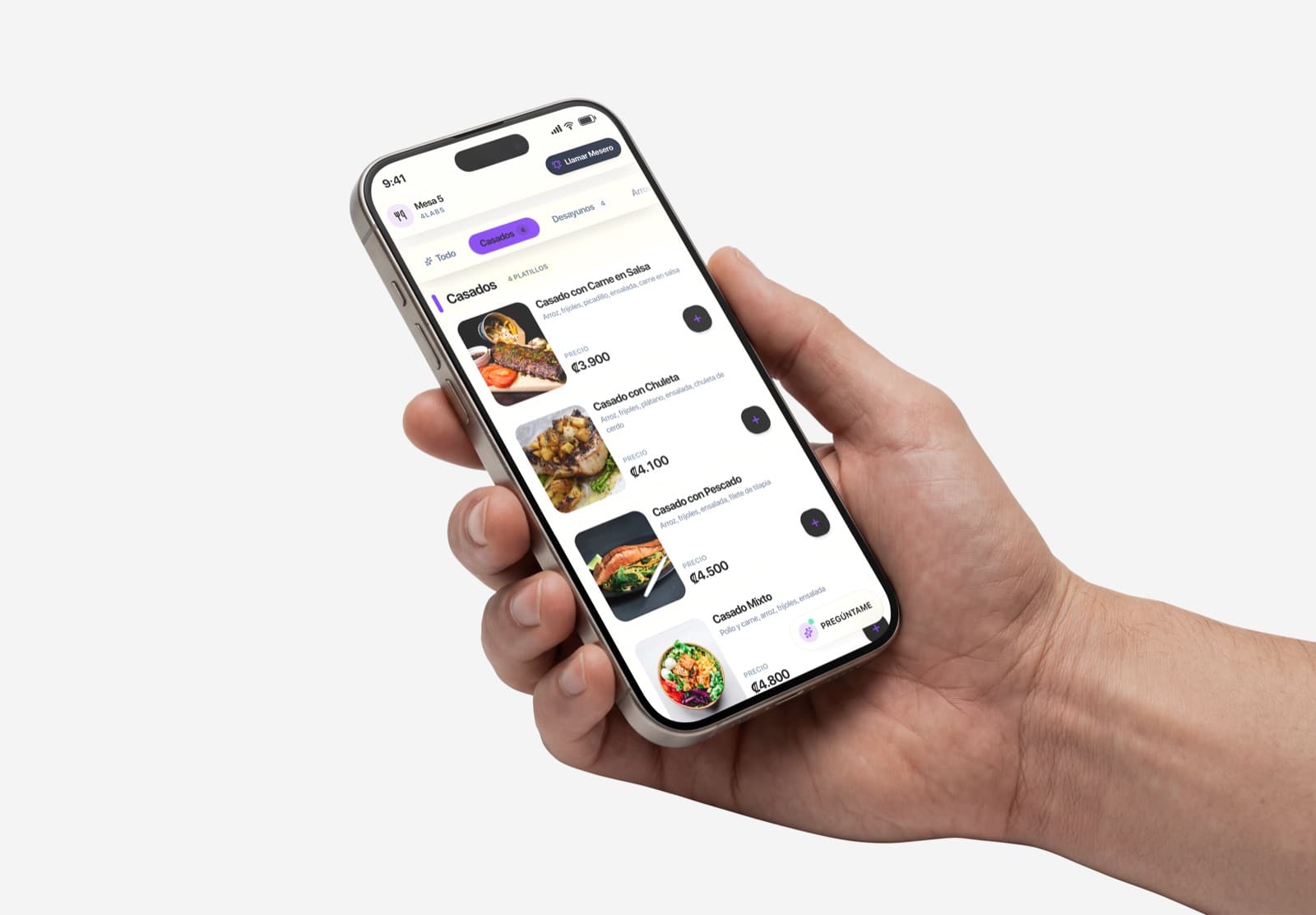
A menu that keeps itself current
Always current, never reprinted
Raise a price and it's raised everywhere instantly. Run out of a dish and it leaves the menu before anyone orders it. Nobody crosses anything out and nobody sends anything to the printer.
- A price change happens once and holds everywhere.
- A sold-out dish stops being orderable immediately.
- The table QR never changes: no reprinting.
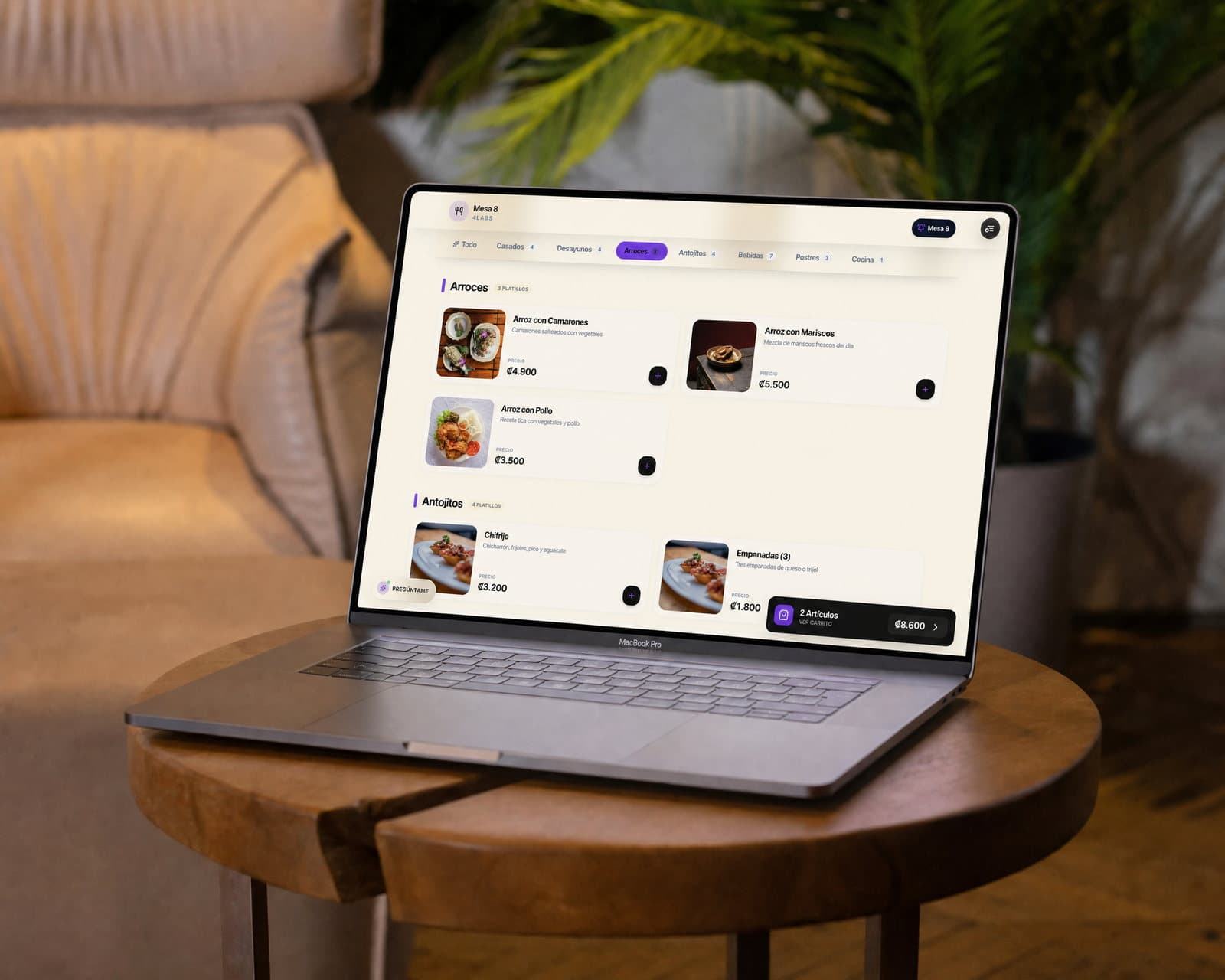
Loaded once, and we load it
The whole menu comes in from a file, with categories, prices and modifiers. Before a single row is written we show you the dry run: what will be created, what will be skipped and why. If something's wrong, fix the file and run it again.
- Catalog importer with a mandatory dry run.
- Categories are created and routed to their kitchen screen.
- Re-uploading the same file doesn't duplicate the menu.
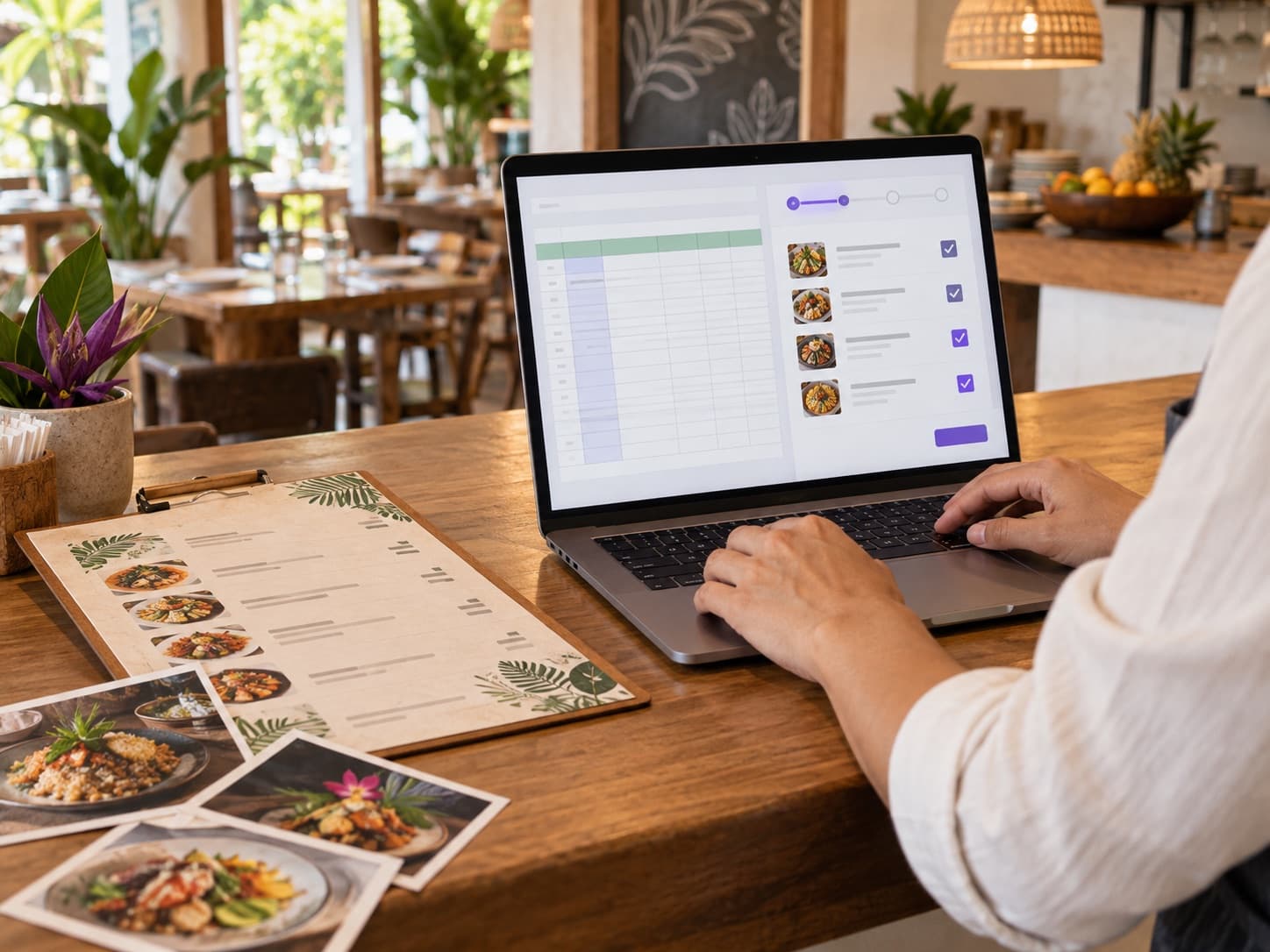
Several branches, without keeping three menus by hand
Copy one branch's menu to another and it creates what's missing without touching what's already there. If two brands share a kitchen, the menu can be mirrored: edit it in one and it appears in the other.
- Copying creates what's missing and never overwrites local prices or photos.
- Each branch keeps its own prices and its own sold-outs.
- Two brands sharing one kitchen can share one menu.
What each dish can carry
It isn't a photo of your menu: each dish is a record you later cook with, charge with, and count inventory against.
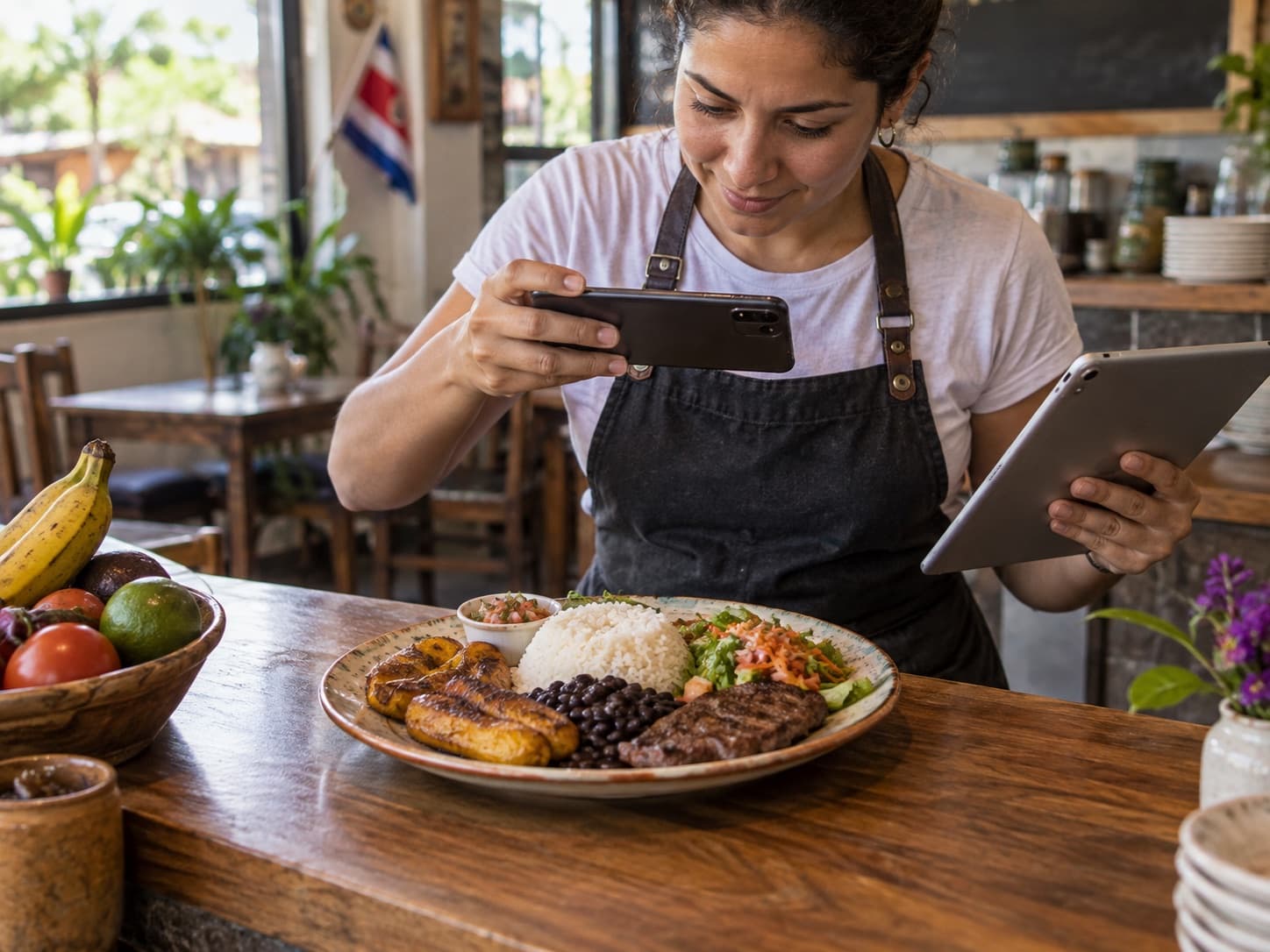
Your own photo
Yours, uploaded from the dashboard. It looks fine without one.
Description
What's in the dish, in your words.
Modifiers
No onion, how the steak is done, extras.
Combos
Several dishes sold as one.
Price with or without VAT
However you store prices, with a rate per dish.
Exempt from the 10%
Packaging doesn't pay service; the dish does.
Kitchen station
Sets which screen it prints to: grill, bar, desserts.
Recipe and cost
Which ingredients it uses, so you know what it earns.
How to prepare your menu for search
You can already share your branch's public page. If you want guests to find individual dishes on Google too, the next step is a web version of the menu built around this process:
- 01
Give each dish an address
Publish open, stable links for the menu, its categories, and its dishes, without requiring someone to scan a QR code.
- 02
Explain what you offer
Use clear names, your own photos, and useful descriptions so each page makes sense to both people and search engines.
- 03
Help Google discover it
Prepare a sitemap, request indexing, and review the results. Google decides which pages it indexes and when.
Frequently asked questions.
Can I change prices myself?+
Yes, from the dashboard, and the change applies immediately to the menu and the point of sale. Who can touch a price is controlled per person: a server can fix a description without being able to move what the guest is charged.
Do I need photos of every dish?+
No. The menu looks good with and without them, and you can add them gradually. We'd rather you upload your own: on a menu your own customer reads, a stock photo shows.
I have two locations with different menus. Does it work?+
Yes. Each branch has its own menu, prices and sold-outs. Copying from one to another is a decision you make, and it only creates what's missing: it never overwrites a price or photo the other one already had.
If I change the menu, do I reprint the QR codes?+
No. The QR points at the table, not at the menu, so it keeps working even if you replace the whole menu. QR codes are printed once, during installation.