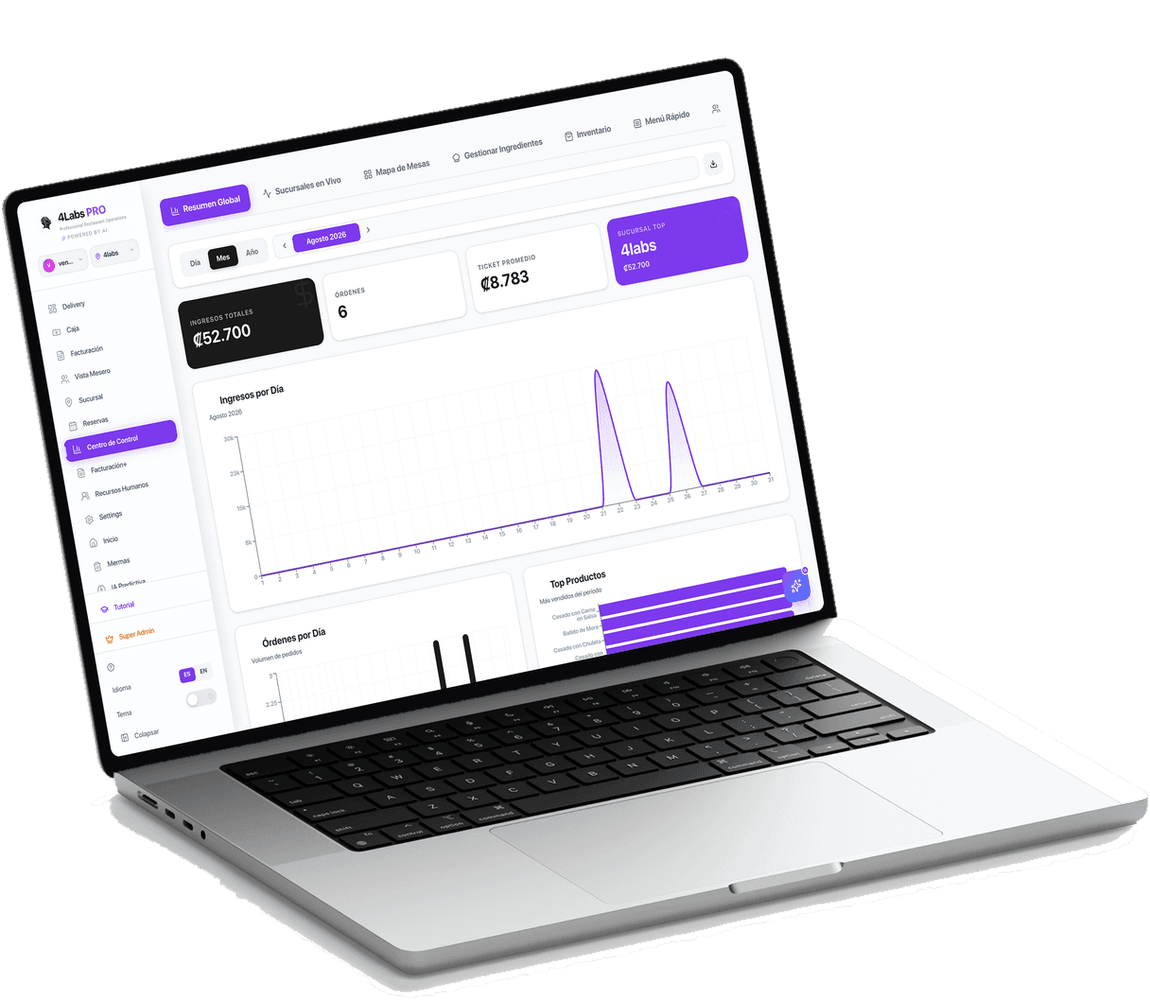
4Labs PRO · Kitchen display
Kitchen display system for restaurants in Costa Rica
The 4Labs PRO kitchen display system (KDS) brings digital order tickets together on one screen for restaurants in Costa Rica. Staff see what to prepare, order notes and progress without retyping the order. Waiters, kitchen and checkout share one order while each station handles its assigned dishes.
Send tickets to the station that prepares them
Menu categories are assigned to kitchen stations. Organize the grill, bar and other preparation areas while following a complete order. Correct station assignment is part of menu setup.
- Tickets organized by station.
- Preparation notes and modifiers.
- A shared workflow for dining-room and direct orders.
Prioritize and dispatch individual dishes
A table may need its starter before its main course. Staff can work with priority and dispatch at the individual line level instead of treating the entire bill as one dish. Statuses help the team coordinate pending, preparing and ready orders.
- Track order preparation.
- Prioritize lines that need attention.
- Coordinate dish delivery with line-level dispatch.
Test a realistic service
An empty screen tells you little about a busy kitchen. A demonstration can follow a table with several dishes, a takeaway order and a modification. Review work distribution and suitable equipment with your team.
- Your restaurant's menu and stations.
- Test notes, changes and dish delivery.
- Review equipment, connectivity and working practices.
From ordering to dish delivery
- 01
Take the order
The waiter or guest records an order with modifiers and notes.
- 02
Coordinate preparation
The assigned station receives the ticket and the team updates preparation progress.
- 03
Dispatch and follow the bill
Kitchen coordinates the delivery of individual dishes while the bill stays in the same POS.
Frequently asked questions.
What does KDS mean?
KDS means Kitchen Display System: a kitchen screen for digital tickets and preparation tracking. In 4Labs PRO it is part of the restaurant workflow connected to the POS.
Can I separate kitchen and bar?
Yes. Menu categories are assigned to preparation stations. Implementation includes reviewing where each dish and drink should be prepared.
Do I need specific hardware?
We review your existing devices and station requirements before proposing hardware. A demonstration helps evaluate screen size, placement and use during service.
Explore each part of your operation
From preparing a dish to consuming its ingredients and issuing a receipt: see how each module works within the POS.
Inventory and warehouses
Manage ingredients, recipes, waste and warehouses with FIFO inventory connected to your POS. Explore 4Labs PRO restaurant inventory in Costa Rica.
Electronic invoicing
Connect POS checkout to electronic documents and tax authority status tracking. Explore 4Labs PRO restaurant invoicing in Costa Rica.